
Galley of the Stars
Sci-fi sitcom cartoonClaude Opus 5.5
A 30-second sci-fi sitcom cartoon with bold flat shapes: a green alien captain and a robot chef argue about space soup in a starship kitchen, ending on a title card.
Make a Claude Opus 5.5 animation without coding. Describe it in plain words or paste a link, then download the animation video as an MP4.
Independent product, not affiliated with Anthropic. Paid plans, no free generation.
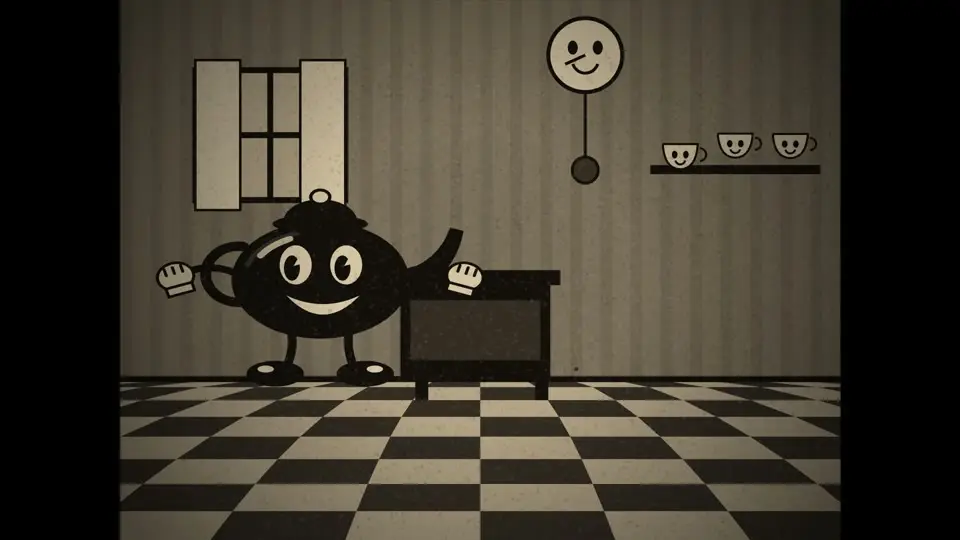
A 15-second vintage rubber-hose cartoon in black and white: a cheerful teakettle dances on a stove, boils over, and its lid flies off and lands back on its head.
Animations by Claude Opus 5.5, each with a prompt to start from. On this site, your words pick a Cartoon, Sketch or Motion look, and the rest comes from your prompt.
A 30-second sci-fi sitcom cartoon with bold flat shapes: a green alien captain and a robot chef argue about space soup in a starship kitchen, ending on a title card.
A 20-second flat cartoon: a pelican rides a bicycle along the sea at sunset, catches a jumping fish, and rings its bell.
A short illustrated story, hand-drawn in pen and wash: a pen sketches a seaside village line by line, then the wind sweeps through and brings it to colour, lifting a kite and filling a sail.
A 20-second 80s anime title sequence: a pilot on a hover bike races across a sunset city, ending on a chrome logo.
A 20-second Bauhaus piece: red, yellow and blue shapes land on the beat, ending on a bold title card.
A 20-second sticker-style explainer: what is inside a QR code, and why it still scans when part of it is torn.
A calm 20-second illustration: spring, summer, autumn and winter pass outside a train window while a cup of tea gently shakes.
A 20-second silent-film comedy: the wind steals a gentleman's hat, he chases it up a lamppost, and it lands back on his head.
A 20-second pixel-art game scene: a small knight walks through a lantern-lit village at night and meets a friendly slime.
A 20-second explainer drawn like a museum plate: how a zipper closes and opens, with a magnifier showing the teeth lock together.
A 20-second magazine collage: torn paper, halftone photos and ransom-note letters spell out a slogan, at 8 frames per second.
A 20-second watercolor animation: one tree blossoms, turns green, goes gold and falls bare as the seasons change.
A 20-second illustrated story: a storm rolls over a lighthouse at night, then the sea calms, the moon comes out and a small boat sails home.
A 20-second pixel-art cutaway of a small apartment building from morning to night, as the lights go out one by one.
A cozy 20-second illustrated animation: a snow globe shakes, snow swirls around a little cabin, and slowly settles.
A peaceful 20-second illustrated animation from above: koi swim in a pond as light rain makes ripples on the water.
A funnythe mood 15-secondhow long 2D cartoon: an orange catwho is in it tries to jump onto a table, misses,what happens pretends nothing happened, then lands it on the second try.how it ends
Keep the structure and change the marked parts. That is enough for a brief of your own.
Why: Opus 5.5 isn't a video model. It draws this animation with code, so ask for design and timing rather than realism.
Say what to change in plain words. Opus 5.5 is told to change only that and keep the rest as it was. Each change costs 80 credits and makes a new version.
The easiest way to make a 10 to 30 second animation: describe it, let Opus 5.5 code it, then change it and download the MP4. No Claude plan, editor or setup.
Write what happens, or start from a prompt above. Next, choose a length and a shape.
It plans the beats and writes every frame. Usually 3 to 6 minutes, and it keeps going if you close the tab.
// Beat 1 (0–6s): the cat jumps and misses
if (t < 6) {
  jump(ctx, cat, t);
}
// Beat 2 (6–15s): the second try lands
land(ctx, cat, t - 6);
Every version plays in your browser first. Say what to change in plain words, then download a 1080p MP4 made on your own computer.
 16:9
16:9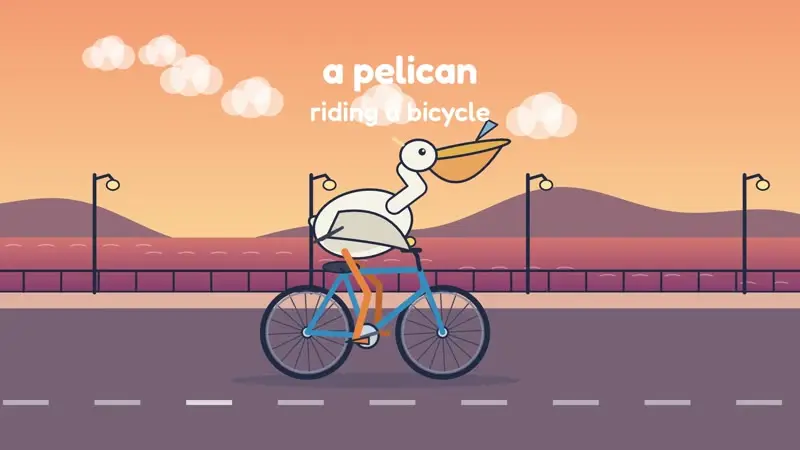 1:1
1:1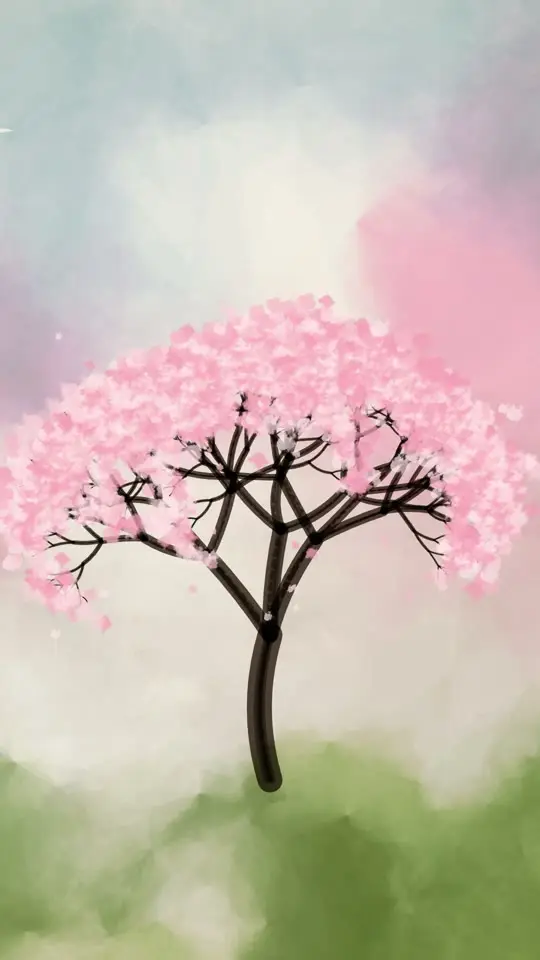 9:16
9:16A new animation costs 320 credits at any length, and each change costs 80. You see the cost before you confirm. If a video fails, its credits come back.
Для запуска или распродажи.
≈ 6 видео · $3.17 за видео
Для публикаций каждую неделю. На 22% дешевле за видео, чем в Starter.
≈ 24 видео · $2.46 за видео
Для агентств и магазинов с большим потоком заказов.
≈ 60 видео · $2.15 за видео
Безопасная оплата через Stripe
Цены в долларах США. Количество видео рассчитано с учётом нового видео (320 кредитов) и одной правки (80 кредитов) для каждого. На скачивание кредиты не расходуются.
A new animation costs 320 credits at any length from 10 to 30 seconds, and each change costs 80. The smallest purchase is a $19 pack of 1,600 credits, valid for 365 days, with no subscription. You see the cost before you confirm.
Say what to change in plain words. Opus 5.5 is told to change only that and keep the rest, and each change makes a new version. If a video fails, its credits come back.
Not exactly. Opus 5.5 writes a new animation each time, and results vary with your prompt. The clips on this page are hand-picked and took longer, hands-on work, so use them for ideas rather than as a promise of the result.
You own your outputs and may use them for personal and commercial purposes, including ads, launches and social posts. Check all text, names and claims before you publish.
Not after you buy. Anyone with a paid plan or credit pack downloads at 1080p with no watermark, and downloads are free and unlimited.
Yes. Add up to six photos, including your logo, and Opus 5.5 builds the animation around them.
We read that one page's name, headline, text, colours and logo and make a launch video from them. The site must be yours, or you must have permission from its owner. For an ad, a chart or anything else, describe it instead.
Yes, but differently from a video model. It writes the scene as JavaScript, and your browser draws every frame. Text stays sharp, but you won't get filmed footage or realistic people.
Opus 5.5 can help with 3D through tools like Three.js or Blender. This site doesn't: it makes 2D scenes with type, shapes, charts and your photos.
Claude Motion is Anthropic's own feature, in beta on Team and Enterprise plans. Opus 5.5 Video is an independent product: you don't need a Claude plan, and you pay for credits here.
Type an idea, or paste your ad text or a link.